AI Video Creation for Shopify: Best Tools, Tips & Strategy (2026)
Discover the best AI video creation tools for Shopify. Learn how to generate product videos with AI and integrate them into your store easily.

On this page
Key takeaways
- AI tools now handle text-to-video, photo animation, automatic editing, script generation and avatar presenters for ecommerce.
- Synthesia, Pictory, Runway, InVideo AI and Canva Magic Media each fit a different use case and budget from free to $67/month.
- AI video costs $1 to $10 and 10 to 30 minutes per clip, versus $500 to $5,000 and days for a videographer.
- Use AI for volume and lifestyle footage, keep real footage for UGC and demonstrations, and make every video shoppable.
AI video creation for Shopify is transforming how ecommerce brands produce product content. What used to require a videographer, editor, and days of production time can now be accomplished in minutes using AI-powered tools — often starting from nothing more than a product photo or a text description. For Shopify merchants who need video content but lack the time or budget for traditional production, AI video tools offer a practical and increasingly impressive alternative.
This guide covers the best AI video creation tools available in 2026, walks through a step-by-step workflow for creating product videos with AI, and shows you how to integrate AI-generated content into your Shopify store as shoppable video.
How AI Is Transforming Ecommerce Video Production
AI video creation tools have advanced rapidly over the past two years. Here are the key capabilities that matter for ecommerce:
- Text-to-video: Describe what you want — “a woman applying moisturizer in a bright bathroom” — and the AI generates a video clip. Quality varies by tool, but the best options produce usable content for social media and product pages.
- Product photo to video: Upload a static product image and the AI animates it — adding motion, background, and context. This is especially useful for merchants who have professional photos but no video content.
- Automatic editing: AI tools can take raw footage, trim it to the right length, add text overlays, select the best moments, and output a polished clip ready for publishing.
- Script generation: Provide product details and the AI generates a video script optimized for short-form content, complete with hook, body, and call to action.
- Voice and avatar: Some tools generate realistic AI presenters who can deliver product descriptions or testimonials on camera, eliminating the need for on-screen talent.
The result is that the cost and time barrier to producing ecommerce video has dropped dramatically. A Shopify merchant can now create multiple product videos in a single afternoon using AI tools, at a fraction of what traditional production costs.
Top AI Video Creation Tools for Shopify Merchants
Here is an overview of the most capable AI video tools available to ecommerce brands in 2026, with their strengths and ideal use cases:
Synthesia
Best for: AI presenter videos, product explainers, and educational content
Synthesia generates videos featuring realistic AI avatars that speak directly to the camera. You type a script, choose an avatar, and Synthesia produces a polished video in minutes. This is ideal for product explainers, FAQ videos, and brand introductions where you want a human presenter but do not have one available.
Pricing: Starts at $22/month for 120 minutes of video per year. Business plans from $67/month.
Pictory
Best for: Turning blog posts, product descriptions, and scripts into video
Pictory converts text content into video by matching your script with stock footage, adding text overlays, and generating voiceovers. It is particularly useful for repurposing existing product descriptions or blog content into video format without filming anything new.
Pricing: Starts at $19/month for 30 videos. Premium plans from $39/month.
Runway
Best for: High-quality generative video from text or images
Runway is the leading AI generative video platform. Its Gen-3 Alpha model produces remarkably realistic video from text prompts or reference images. For ecommerce, it can generate lifestyle footage, product-in-context clips, and creative brand content that would be expensive to shoot traditionally.
Pricing: Free tier with limited credits. Standard plan from $12/month. Pro from $28/month.
InVideo AI
Best for: Fast, template-driven product videos with minimal effort
InVideo AI lets you describe the video you want in plain language and generates a complete video with footage, text, transitions, and music. It is the fastest option for merchants who need decent product videos quickly and do not need pixel-perfect custom content.
Pricing: Free with watermark. Plus plan from $25/month. Max from $50/month.
Canva AI (Magic Media)
Best for: Simple product videos, social media content, and branded templates
Canva's AI video features integrate into its familiar design platform. You can generate video clips from text prompts, animate product photos, and use AI-powered editing within Canva's drag-and-drop interface. If your team already uses Canva for design work, the AI video features slot in naturally.
Pricing: Included in Canva Pro at $12.99/month.
Step-by-Step Workflow: Creating Product Videos with AI
Here is a practical workflow for creating AI-generated product videos and getting them onto your Shopify store:
Step 1: Gather Your Product Assets
Collect high-resolution product photos, your product description, key selling points, and any existing brand footage. The more context you give AI tools, the better the output.
Step 2: Generate the Video
Choose the AI tool that matches your needs. For product demos from photos, use Runway or Canva AI. For scripted explainer videos, use Synthesia or Pictory. For fast social content, use InVideo AI. Generate multiple variations — AI tools produce different results each time, and your second or third attempt is often the best.
Step 3: Edit and Polish
Review the AI-generated video and make adjustments. Most tools allow you to refine specific scenes, change text overlays, adjust pacing, or swap footage. Add your brand colors, logo (if appropriate), and a clear call to action. Keep the final cut under 60 seconds for optimal performance.
Step 4: Export in the Right Format
Export as MP4 in 9:16 (vertical) aspect ratio for Stories and mobile-first feeds, or 1:1 (square) for product pages and social posts. Keep file size under 50MB for fast loading.
Step 5: Upload to SwipeReel and Tag Products
Upload your AI-generated video to SwipeReel, tag the relevant products from your Shopify catalog, add the video to a feed, and embed it on your store using the theme editor. The process takes under five minutes. For a complete walkthrough, see our guide on how to add shoppable video to Shopify.
Cost Comparison: AI Video vs Traditional Production
Understanding the cost difference helps justify the investment in AI tools:
AI video vs traditional production
| Production Method | Cost per Video | Time per Video | Quality Level |
|---|---|---|---|
| Professional videographer | $500–$5,000 | 1–5 days | High (custom, brand-specific) |
| Freelance editor + stock footage | $100–$500 | 1–3 days | Medium–High |
| AI video tools | $1–$10 | 10–30 minutes | Medium (improving rapidly) |
| DIY smartphone filming | $0 | 30–60 minutes | Medium (authentic feel) |
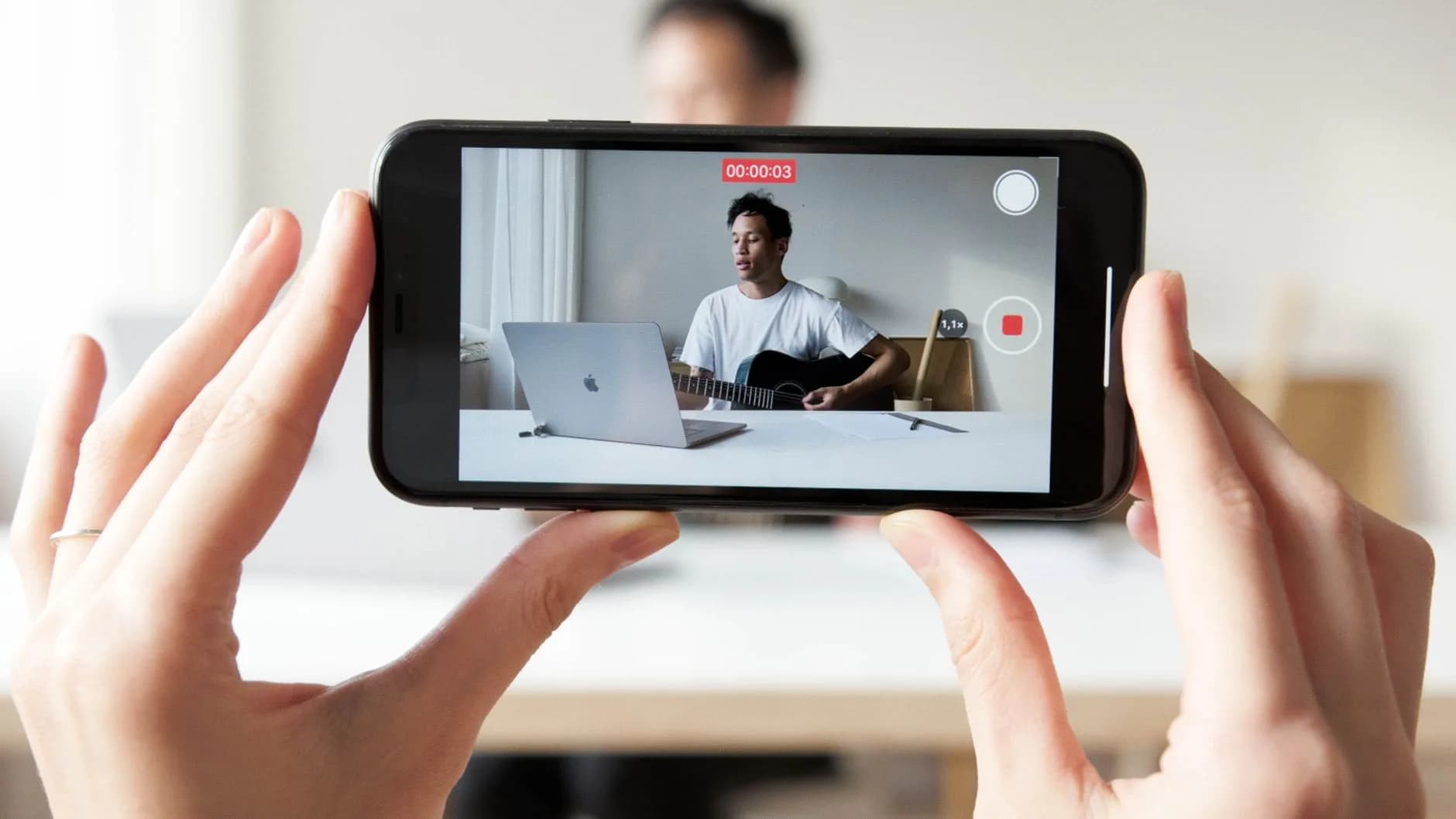
For most Shopify merchants, the optimal approach combines AI-generated content with some DIY smartphone footage. AI tools handle the volume — creating videos for dozens or hundreds of products — while smartphone filming provides the authentic, real-world content that builds trust.
When AI Video Works Best (and When It Does Not)
AI video creation is powerful, but it is not the right tool for every situation. Here is an honest assessment:
AI video excels at
- Creating product overview videos at scale when you have many SKUs
- Generating lifestyle and aspirational footage without a photoshoot
- Producing scripted explainer content with AI presenters
- Animating product photos into engaging video clips
- Repurposing written content (blog posts, descriptions) into video format
Real footage is still better for
- Customer testimonials and UGC: authenticity cannot be faked
- Detailed product demonstrations showing specific features and functionality
- Behind-the-scenes content that builds brand personality
- Products where texture, fit or physical experience matters (fashion, food, skincare)
- Comparison videos where viewers need to trust the objectivity
The smartest strategy is to use AI for content that needs to be produced at volume and speed, and real footage for content where authenticity and trust are the primary objectives.
Tips for Better AI-Generated Product Videos
Tips for better AI product videos
- Write detailed prompts: include product details, setting, mood, lighting and camera angle in your description.
- Use high-quality source images; AI amplifies what you give it, garbage in, garbage out.
- Generate multiple versions: create three to five of each video and pick the best one.
- Add human elements: combine AI footage with real voiceover, customer quotes or product close-ups.
- Always make it shoppable: tag products and embed in shoppable feeds on your store.
The bottom line: AI video creation tools have made it possible for any Shopify merchant to produce professional-quality product videos at minimal cost. The winners in 2026 will be the stores that combine AI efficiency with authentic content and make every video shoppable on their storefront.
Ready to put your AI-generated videos to work on your Shopify store?
Install SwipeReel for free and turn your product videos into shoppable experiences in minutes.